
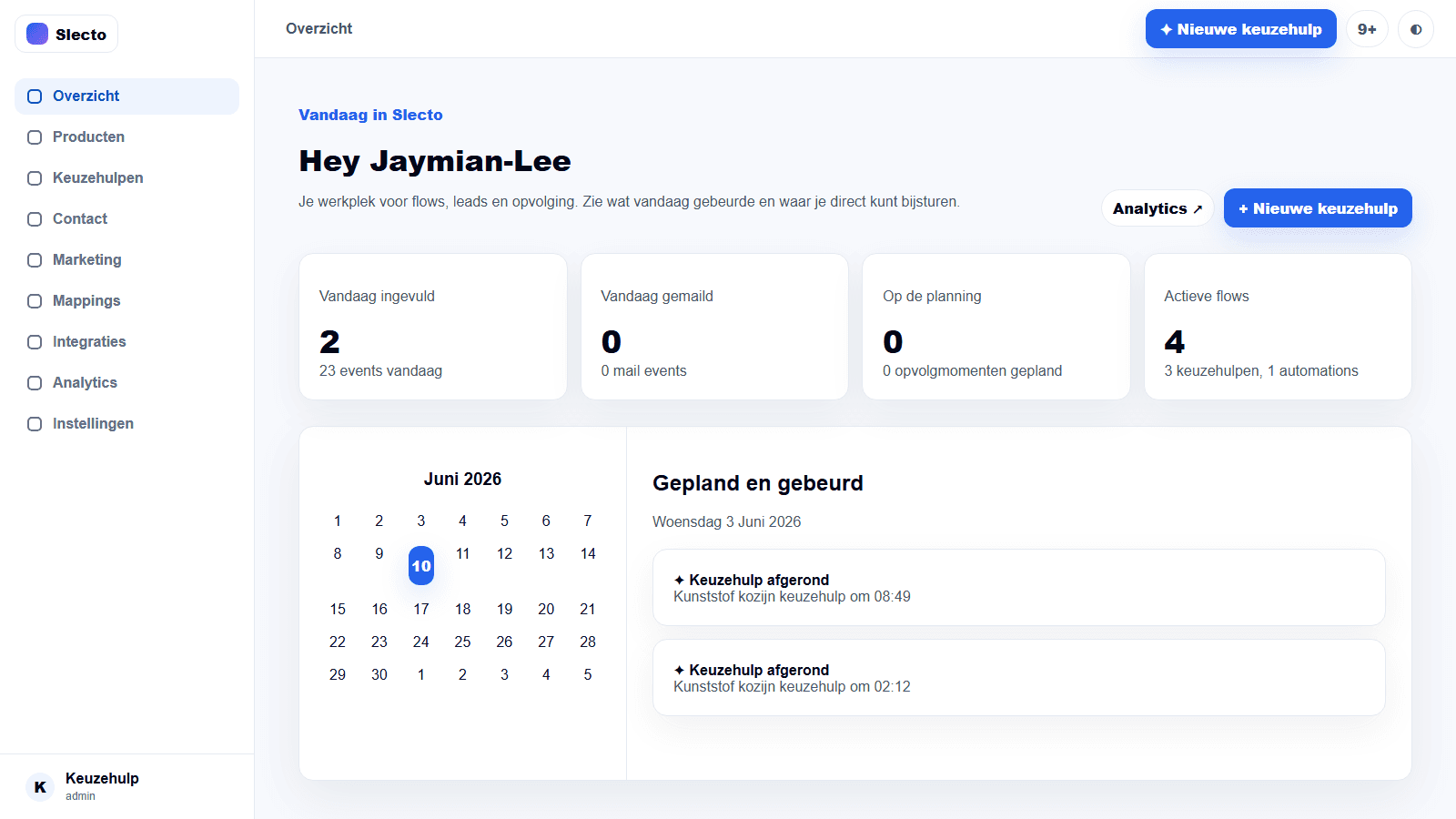
What this guide covers
This guide explains how to work with dashboard and daily work in Slecto, from the first configuration through a safe live check.
Recommended workflow
Start with a small, testable setup. Verify the data and expected outcome, then publish or activate only after the result is clear to your team.
Before you go live
Use real data, check permissions and visitor-facing behaviour, and keep a repeatable test scenario for future changes.
Activity feedback
Slecto shows a progress bar, spinner and status label while navigation, forms, fetch requests or server actions are running. Route changes can also show a skeleton. On integration cards, Sync now changes to Syncing… until the request succeeds or reports an error. Keep action controls disabled while their own pending state is active, and check the inline error or toast when feedback stops.